Most businesses understand the difference between a website and an app.
Or at least they think they do.
Websites live in the browser.
Apps are downloaded to a phone.
The reality is becoming much less clear-cut.
Progressive Web Apps, usually shortened to PWAs, sit somewhere between the two.
They use web technology but can provide an experience much closer to a traditional application.
For many businesses, that creates an interesting middle ground between a conventional website and a fully native mobile application.
What is a Progressive Web App?
A Progressive Web App is a web application designed to provide an app-like user experience.
It runs using web technology, which means users normally access it through a browser.
However, depending on the device and functionality used, it can also offer features normally associated with apps.
These may include:
- installation to a device home screen
- full-screen interfaces
- user accounts
- dashboards
- bookings
- payments
- notifications where supported
- stored information
- offline capability where appropriate
- fast interactive interfaces
The key point is that a PWA is much more than a collection of static web pages.
How is a PWA different from a normal website?
A traditional business website is primarily designed to present information.
For example, a surveyor's website might contain:
- Home
- About
- Services
- Areas Covered
- Reviews
- Contact
A visitor reads the information and perhaps submits an enquiry.
A web application involves greater interaction.
Users may log in and actually do things within the system.
For example:
- make or manage bookings
- buy credits
- access documents
- update account details
- manage a subscription
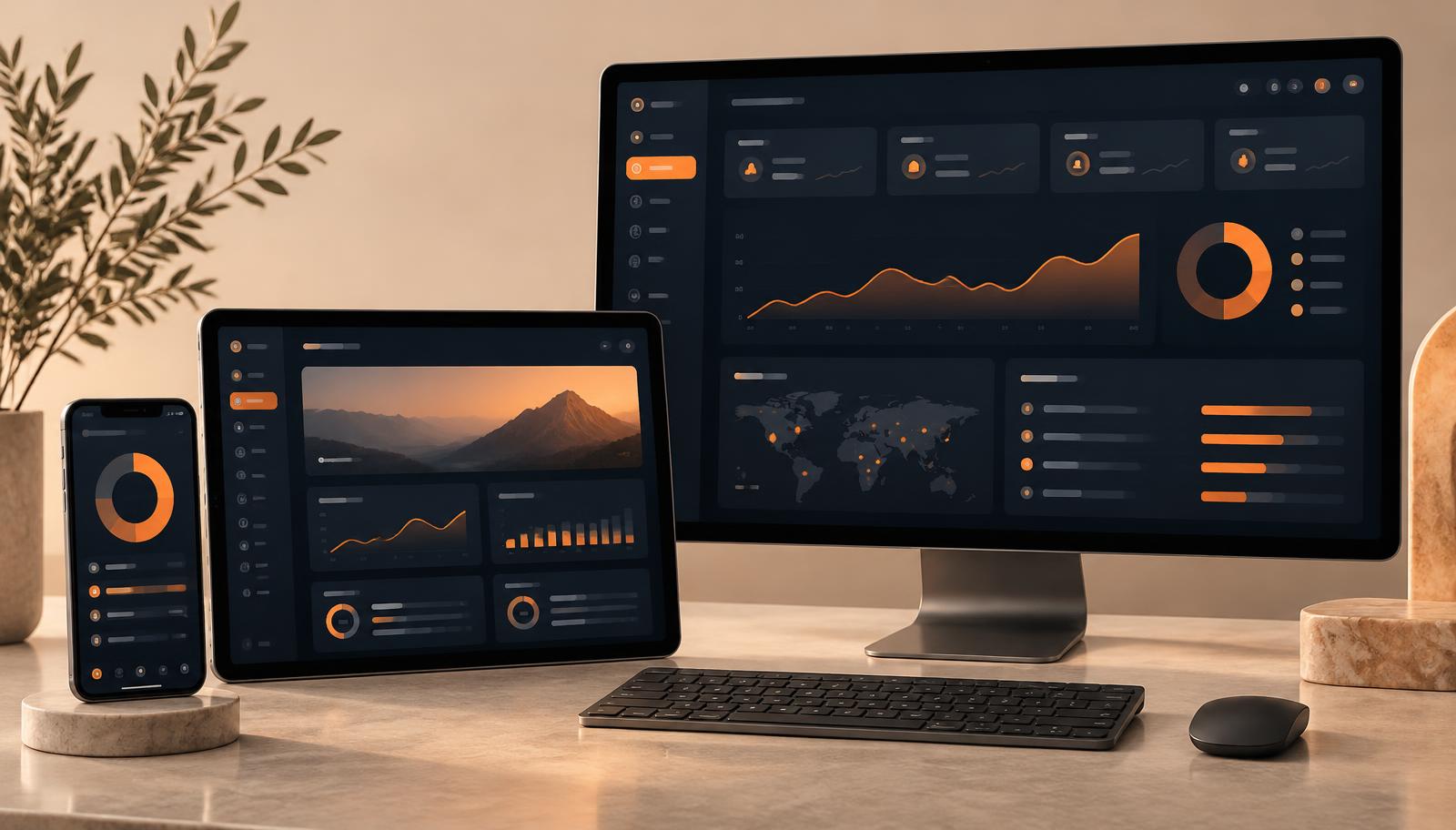
- view a dashboard
- communicate with a business
- use an AI-powered tool
That is the fundamental difference.
A website primarily communicates.
A web app allows the user to interact with a system.
PWA vs native mobile app
A native mobile app is typically developed specifically for platforms such as iOS or Android.
A PWA uses web technologies and is accessed through the web.
There are advantages and disadvantages to both approaches.
PWAs can offer:
- one application across multiple device types
- easier deployment of updates
- convenient access through a browser
- installation on supported devices
- less friction for users who do not want to download an app immediately
Native apps can provide deeper access to device-specific functionality and may be more appropriate where App Store distribution is central to the product.
One is not automatically better than the other.
The correct approach depends on what the product actually needs to do.
What can businesses use PWAs for?
PWAs can work particularly well where customers or employees repeatedly interact with the same service.
Booking systems
A customer could:
- create an account
- view availability
- make a booking
- buy a package
- cancel or reschedule
- view upcoming appointments
Membership platforms
Members might:
- log in
- manage subscriptions
- access content
- check balances or credits
- view account information
Customer portals
A portal could allow customers to:
- access documents
- manage services
- submit information
- check progress
- make payments
Internal business systems
Not every app needs to be public.
Businesses can use web applications to replace:
- spreadsheets
- disconnected forms
- manual administration
- repetitive workflows
AI-powered tools
Web apps can also provide an interface through which customers or staff interact with AI.
For example, users might upload information, answer questions or submit images and receive structured output.
What are the advantages of a PWA?
One of the biggest advantages is accessibility.
A user can normally access the application simply through a link.
There may be no need to first find the product in an app marketplace.
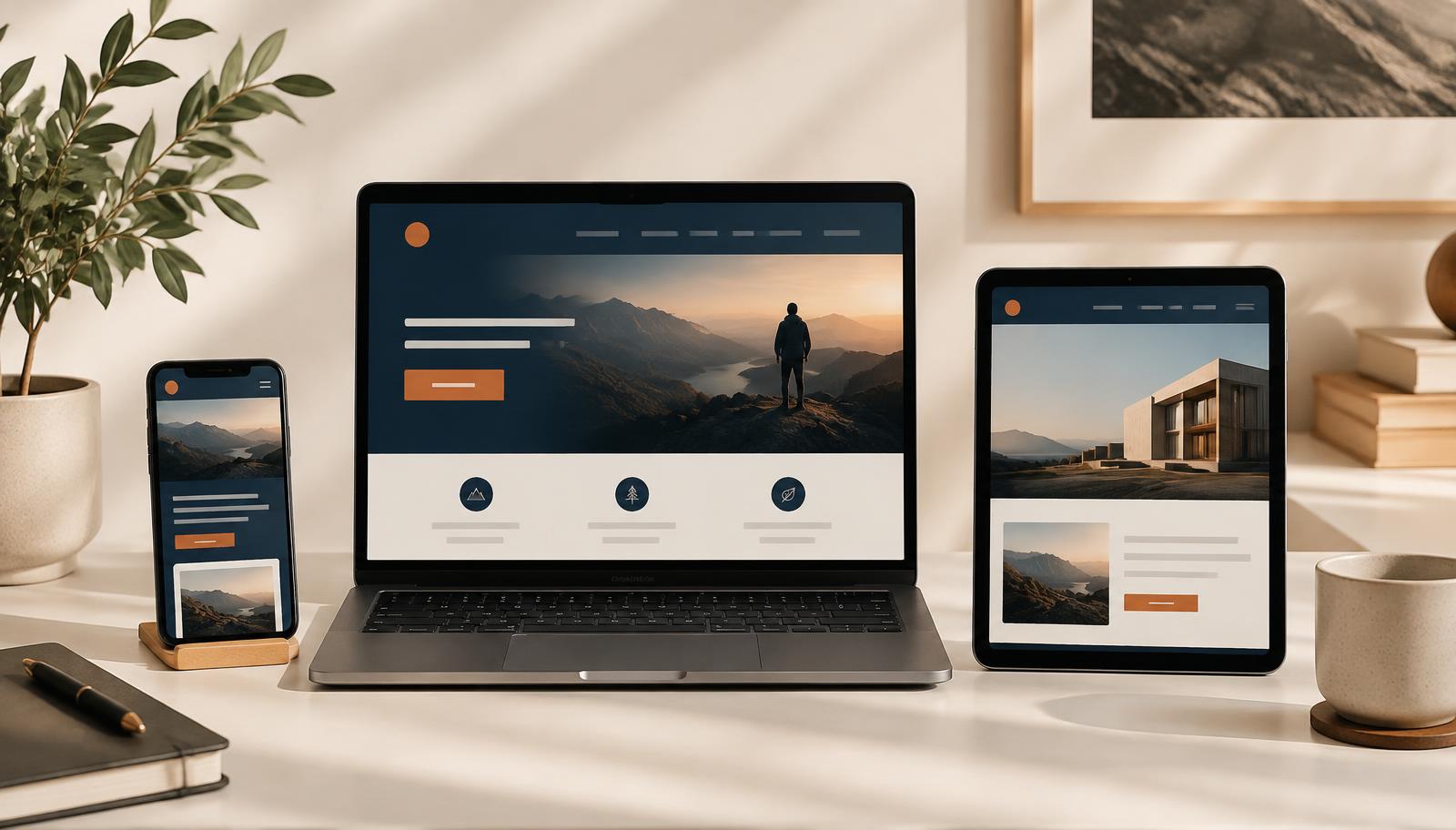
PWAs can also provide a consistent experience across:
- desktop
- tablet
- mobile
For businesses, this can simplify the challenge of supporting several different device types.
Another benefit is that updates can often be deployed centrally.
Users do not necessarily need to manually install a completely new version every time the product changes.
Are there limitations?
Yes.
A PWA should not automatically be considered a replacement for every native app.
Some applications require particularly deep access to phone hardware or operating-system functionality.
App-store distribution may also be commercially important for some products.
Different browsers and devices can support PWA capabilities differently.
That is why the technology should be chosen after the product requirements are understood — not before.
Does your business actually need an app?
Many businesses don't.
A good website may be all they need.
If customers primarily need to:
- understand your service
- see your work
- read reviews
- request a quotation
- contact you
then a traditional website may be the simpler and better solution.
But when users need to repeatedly interact with your business, a web application becomes much more interesting.
Signs you may need a web app
You should consider a web application if customers need to:
- create accounts
- return regularly
- make bookings
- manage subscriptions
- make payments
- access private information
- use dashboards
- manage data
- complete workflows
It may also make sense if your staff are currently managing important processes through spreadsheets, email and multiple disconnected systems.
How much does a PWA cost?
There is no single answer because the complexity varies enormously.
A simple first version of an application is completely different from a major SaaS platform.
At WFG, our Web App MVP projects currently begin from £2,995.
More complex platforms involving areas such as payments, subscriptions, multiple user types, AI, dashboards and integrations are scoped individually.
Start with the problem, not the technology
This is perhaps the most important point.
Don't start with:
"I want an app."
Start with:
"What do I want customers or staff to be able to do?"
Once the problem is clear, it becomes much easier to decide whether the answer is:
- a website
- a PWA
- a larger web application
- a native application
- or something else entirely
Final thoughts
Progressive Web Apps have made the line between websites and apps much less rigid.
For the right business they can offer a powerful combination of accessibility and application-style functionality.
But the technology itself isn't the important part.
What matters is whether the product makes something easier, quicker or better for the people using it.
Frequently Asked Questions
Can a PWA be installed on a phone?
On supported devices and browsers, a Progressive Web App can be added to a user's device and accessed in an app-like way.
Does a PWA work on desktop computers?
Yes. A properly designed web application can work across desktop, tablet and mobile.
Is a PWA cheaper than a native app?
It can be, but cost depends on the functionality required. The correct comparison depends on the specific product.
Can PWAs take payments?
Yes. Web applications can integrate with suitable payment providers where required.